For the future new keyboard of myself, here are setup steps:
Note, use the default keyboard for keys to map. Alt is Option. Windows is CMD.
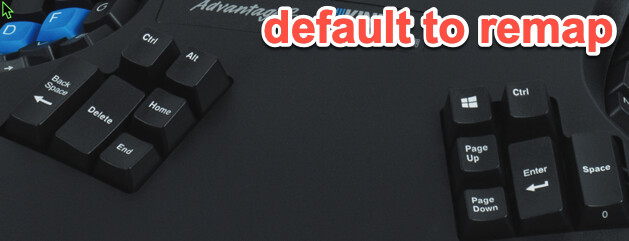
Key to reposition
New position
Remapping sequence
Left Control
Home
Right Control
Page Up
Windows (Cmd)
Left Ctrl
Windows
Right Ctrl
Left Alt
Windows
Scroll Lock
Insert (left of left cursor)
Home
Print Scrn
End
Scroll Lock
Page Up
End
Esc
Caps Lock
Other Notes
- Turn on Electronic Key Click, Program + F8
- Turn off TONE, Program+shift+F8)